Is ChatGPT Atlas Safe? Exploring OpenAI’s Smart Browser
-
Author
-
Post DateOctober 29, 2025
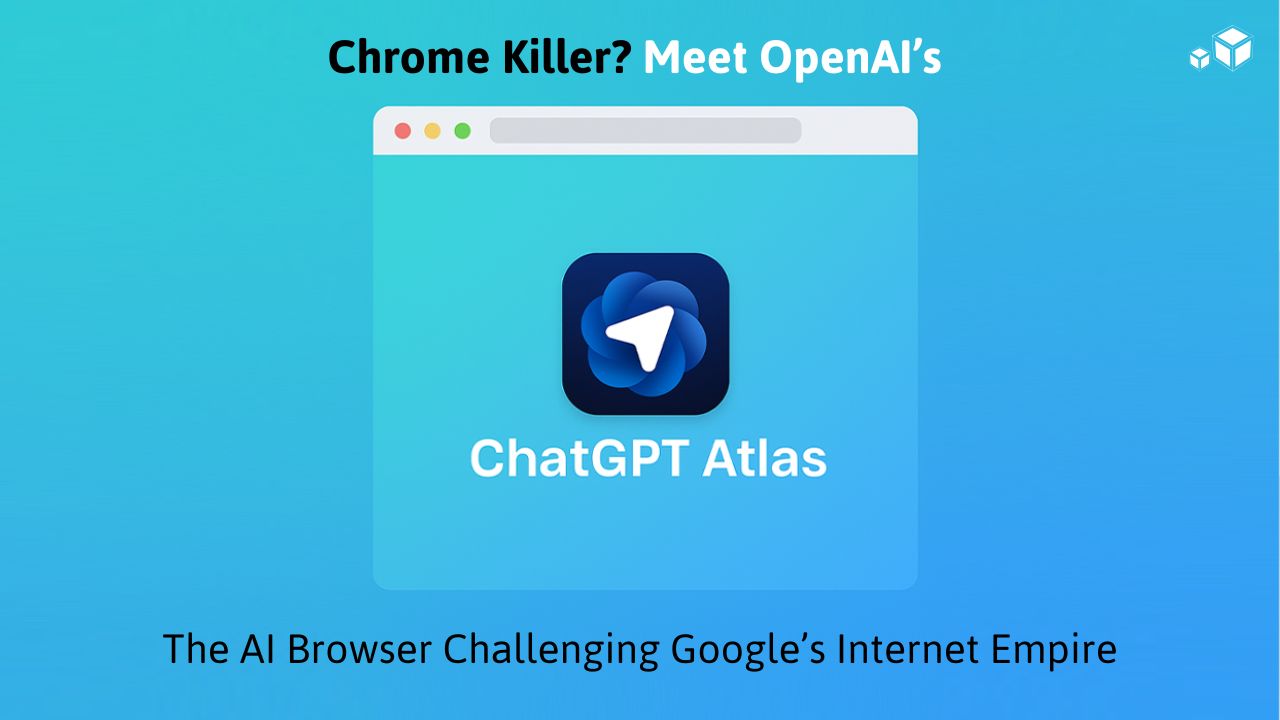
When OpenAI introduced ChatGPT Atlas, it wasn’t just another browser launch — it marked a bold move to redefine how we experience the web. Atlas incorporates the conventional way of web surfing with AI, putting ChatGPT in your browser. Atlas is a whole new level of internet interaction, as it offers to summarize pages, research automation, etc., that are all smarter, faster, and more human-like.
Yet, there is still one major concern: Is ChatGPT Atlas secure?
In the following article, we will discuss the OpenAI Atlas browser’s definition, its operation, the data it gathers, and the question of whether it is indeed safe for regular usage.
What exactly is ChatGPT Atlas?
ChatGPT Atlas is the latest web browser from OpenAI, powered by AI and deeply integrated with ChatGPT into the user’s browsing experience. There will be no need to alternate between your browser and ChatGPT anymore since it will be possible to chat, summarize, and analyze the pages all right within the browser window.
It’s available for macOS (with Windows, iOS, and Android versions coming soon) and supports all OpenAI plan tiers — Free, Plus, Pro, and Go.
- Key highlights include:
- A built-in ChatGPT sidebar for instant summaries and insights.
- Browser memories that help the AI remember context and preferences.
- Agent Mode, allowing ChatGPT to perform tasks like booking appointments or collecting data from websites.
- Full import of bookmarks, passwords, and browsing history from Chrome, Safari, or Edge.
How Does Atlas Work?
Atlas runs on Chromium architecture, meaning it behaves much like Chrome or Edge — fast, modern, and compatible with web standards. The key difference is AI integration.
The ChatGPT sidebar provides an option to users to submit queries regarding the page they are on, like these for instance:
“Can you provide a summary of this news article?”
“Can you show me the price comparison of these two products?”
“Can you get me all the contact information from this website?”
This method of browsing powered by AI becomes a dialogue rather than a passive activity.
At the same time, Agent Mode (in preview) goes a step further in automation. It enables ChatGPT to carry out multi-step online actions – such as booking tickets, completing forms, or doing research – all under your control.
- Privacy and Data: What Atlas Collects
The use of AI tools is accompanied by a strong concern regarding the safety of data.
According to OpenAI, the new tool Atlas allows the user to dictate the terms of data collection and usage fully. The memory feature is very much optional—this means that it is the user’s choice to activate it.
When Atlas is active, it keeps track of the following:
- Your preferences for browsing (e.g., dark mode, preferred websites).
- Tasks that you are dealing with (e.g., “writing blog posts on AI tools”).
Some information that you select to disclose during chats.
In case of disabling, ChatGPT operates the same way as on the regular site—with no remembering or storing the browsing context past a single user session.
You are allowed to:
- Know the stored memories.
- Change or remove them whenever you want.
- Switch off memory forever.
Moreover, OpenAI assures that data would not be shared with third parties and conversations would be secure through encryption. Nonetheless, some portions of data that have been gathered and anonymized might still be used for the purpose of enhancing the overall quality of the product.
- Is ChatGPT Atlas Safe to Use?
It is your choice that determines the level of safety. Atlas incorporates top-notch encryption, explicit data controls, and user permissions, hence, it is as secure as famous web browsers like Chrome or Safari.
That said, users should be mindful of a few things:
- Memory Feature Risks
If you enable memory, ChatGPT can store snippets of context from your browsing. While this helps personalize experiences, it also creates potential data exposure if your device is shared. - Agent Mode Caution
Agent Mode lets AI perform online actions — but that means it can access forms or external links. You should always review actions before approving them to avoid accidental submissions or data leaks. - Cloud Syncing
Like Chrome, Atlas may sync some data via OpenAI servers for performance and personalization. Using a strong account password and two-factor authentication is essential. - Third-Party Integrations
Atlas doesn’t yet support external extensions widely. When it does, ensure you only install verified add-ons from trusted sources.
Overall, ChatGPT Atlas is safe for general browsing — but responsible settings and usage are key.
- The Memory Feature: Smart or Risky?
The Memory system is what truly sets Atlas apart — and what worries some privacy advocates.
By remembering context, Atlas can offer smoother workflows:
- Resume previous conversations.
- Recall what projects you’re working on.
- Personalize future results.
However, these memories are stored in the cloud under your OpenAI account. Users who prioritize anonymity or privacy may prefer to keep this off.
OpenAI provides transparency tools to review and manage memory data. For users familiar with Chrome’s synced data or Google’s account activity, the setup will feel familiar — but with more user control.
- How Atlas Compares to Other Browsers
Atlas stands out for productivity but isn’t designed as a pure privacy browser like Brave. It aims to balance intelligence with control, not complete anonymity.
Feature | ChatGPT Atlas | Google Chrome | Safari | Brave |
Built-in AI Assistant | Integrated ChatGPT | Requires extension | Limited | Built-in AI in Beta |
Memory / Context Recall | Optional | Limited history | Local only | Privacy-focused |
Automation (Agent Mode) | In Preview | ❌ | ❌ | ❌ |
Data Privacy Controls | Transparent & user-managed | ⚠️ Google-linked | Apple ID secured | Strong focus |
Ideal For | AI-driven workflows | Google ecosystem | Mac users | Privacy enthusiasts |
- How to Stay Safe While Using Atlas
Even though Atlas is designed with privacy in mind, a few best practices will help you browse more securely:
- Download Only from OpenAI’s Official Website – Avoid third-party sources to prevent malware.
- Disable Memory Until You’re Comfortable – Test the browser first without storing data.
- Use Two-Factor Authentication (2FA) – Protect your OpenAI account.
- Monitor What Agent Mode Does – Always confirm before allowing it to perform web actions.
Keep Software Updated – Security patches are frequent during early releases.
- How It Benefits Developers
ChatGPT Atlas isn’t just for everyday users — it’s a game-changer for developers and tech professionals.
Developer Benefits:
- Built-in AI Code Assistant: Developers can get code suggestions, debugging help, or documentation explanations while browsing.
- API Testing Integration: AI can help test API endpoints or simulate requests right within the browser.
- Automation Tools: Developers can create scripts or workflows using Agent Mode to speed up repetitive tasks.
- Context-Aware Help: Atlas can recall previous code snippets or project info, making debugging faster and smoother.
By embedding AI directly into the browser environment, Atlas reduces context switching and enables smarter, faster coding workflows.
- The Future of Browsing: AI in Every Tab
ChatGPT Atlas isn’t just another browser — it’s part of a bigger trend: the convergence of AI and the web.
In the next few years, we can expect:
- More AI-integrated browsers (Google, Opera, Brave already testing similar tools).
- Personalized “AI agents” for every user.
- Smarter workflows that blur the line between search, chat, and action.
Atlas is OpenAI’s first major step toward this vision — a personalized, AI-powered internet experience.
ICUBETECHNOLABS Perspective: The Future of AI-Powered Web Experiences
At ICUBETECHNOLABS, we see ChatGPT Atlas as a major step toward the AI-driven web of the future.
For businesses, developers, and marketers, tools like Atlas can dramatically improve productivity, research, and automation. Integrating smart AI features within everyday tools mirrors our own mission — to make technology intelligent, intuitive, and impactful.
As Atlas evolves, it will likely open new opportunities for AI-enhanced digital marketing, smarter browsing analytics, and automated workflow solutions — areas where ICUBETECHNOLABS continues to innovate.
Final Verdict: Is ChatGPT Atlas Safe?
Yes — ChatGPT Atlas is safe to use, as long as you know and master its features.
It provides users with transparent insight into how information is utilized, has optional memory configurations, and provides encrypted surfing.
But, as with any networked AI utility, your security is up to you. Turn memory off if anonymity is your first concern, watch agent behavior, and never neglect secure login procedures.
For the average user, Atlas is a smart, secure, and progressive update on the web browser — combining simplicity with sophistication.